KID GUIDE
Decorate collectible rooms
Place collectibles on shelves and revisit completed rooms.
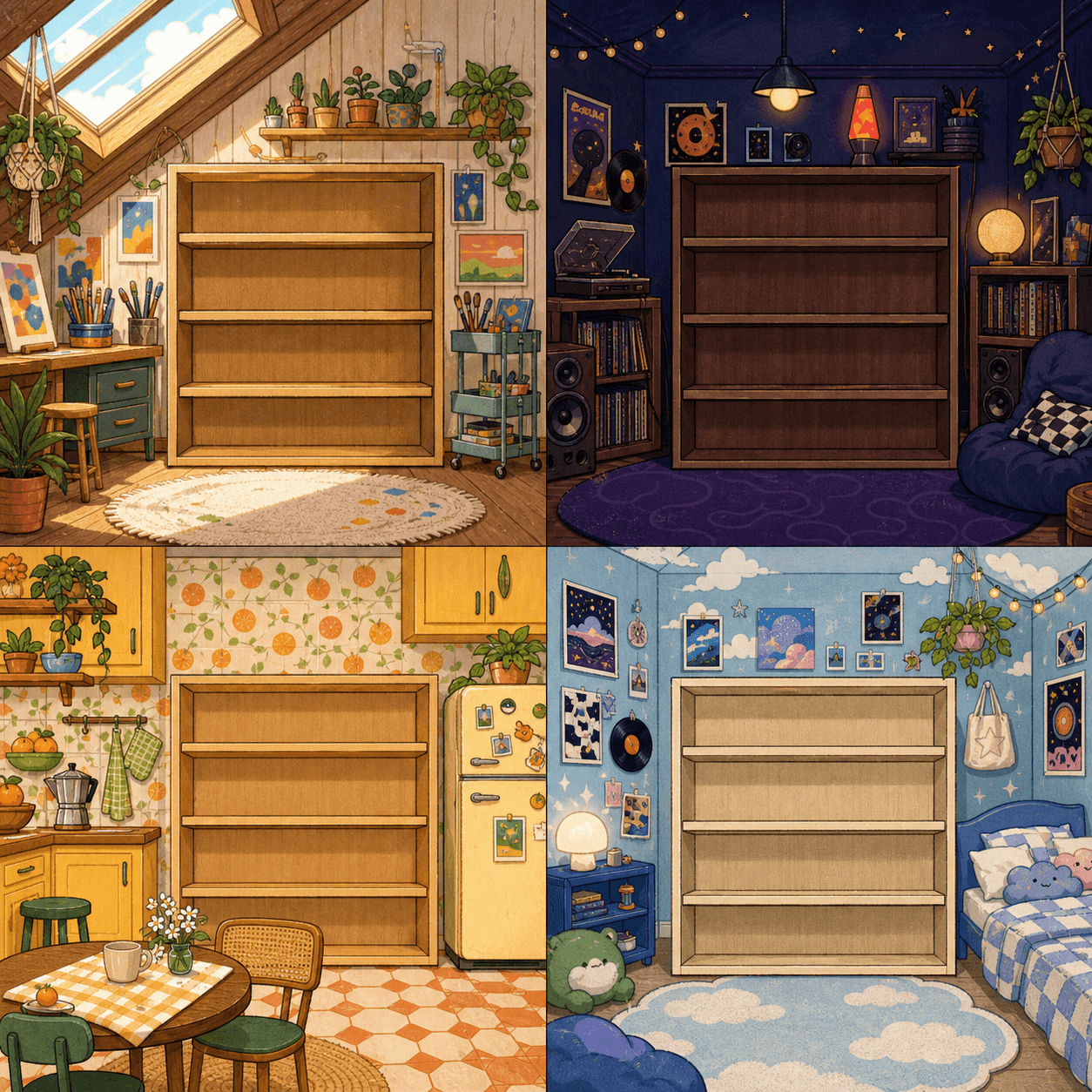
- In Kid space, scroll to Your collectibles.
- Select a collectible in Waiting to be placed.
- Select an empty shelf spot. You can also drag the collectible to a shelf.
- Move collectibles until the room looks the way you want.
- Fill all 12 spots to complete the room and unlock a new one.
- Select Completed rooms to revisit rooms in your album.
Completed rooms stay saved. New collectibles go into the current room.
Not sure how to earn collectibles? See Earn collectibles.